
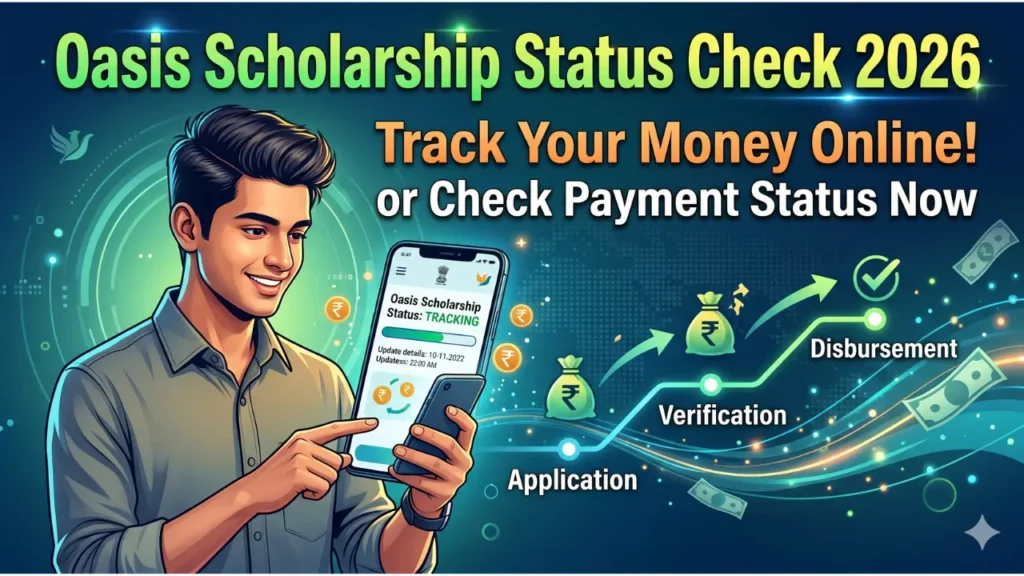
Portal checked on 27 July 2026. The official OASIS scholarship portal says applications for the 2026–27 session are open for listed pre-matric and post-matric SC, ST and OBC categories. This guide explains the official route and the meaning of common status stages without promising a payment date that the portal has not announced.
Use only these official resources
Do not enter Aadhaar, OTR, application ID, password or OTP on an unofficial website.
What is open for 2026–27?
The OASIS homepage currently lists online application for the 2026–27 session for Post-Matric SC, ST and OBC and the pre-matric categories shown on the portal. The homepage is the authority for the current session, category availability, notices and deadlines. A deadline copied from an old article should not be used for a new session.
The portal also publishes guidance about creating the NSP One-Time Registration (OTR) and applying through OASIS. Follow the current on-screen instruction for your category; do not reuse another student’s OTR or mobile number.
Before starting the application
- Confirm that the student’s caste/category, course, institution and session match an OASIS scholarship shown on the portal.
- Keep the student’s own correct mobile number, identity details, caste certificate, income information, bank details and institution information ready as required.
- Use a bank account accepted by the current instructions and make sure the beneficiary name and account number match the documents.
- Check whether the institution is registered/recognised in the portal workflow.
Eligibility and documents differ across pre-matric and post-matric schemes. The presence of a registration button does not guarantee eligibility or sanction.
Official application process
- Open the OASIS homepage and choose Student’s Registration for a new application or Registered Student’s Login for an existing record.
- Select the correct district. Students studying outside West Bengal should follow the portal’s instruction for choosing the district of permanent address.
- Complete the current OTR/identity step and enter the student’s details exactly as they appear on official documents.
- Select the correct scholarship/category and enter institution, course and bank information.
- Review the form before final submission. Download or print the acknowledgement.
- Complete institution or district verification steps shown in the acknowledgement/current portal instructions.
Never submit multiple applications merely because the first status has not changed. A duplicate can create mismatched records.
How to check OASIS application status
Use the official portal’s registered-student login/status facility with the credentials created during registration. The result is an application-processing status, not a live bank-money tracker. Keep the application ID and acknowledgement available when contacting the institution or district authority.
| Status type | What to do |
|---|---|
| Submitted / pending at institution | Keep the acknowledgement and ask the institution whether any document is pending. |
| Defective / returned | Read the recorded reason, correct only that field/document within the portal’s allowed period, and resubmit. |
| Verified / sanctioned | Wait for the official disbursement process and check the bank statement; verification is not a same-day payment promise. |
| Rejected | Read the reason and contact the verifying institution/district office. Do not pay an agent to “unlock” it. |
If scholarship money has not arrived
First compare the portal status with the bank statement. If the application is not yet sanctioned, the bank cannot fix it. If it is sanctioned but the transfer failed, verify that the account is active and the beneficiary name, account number and IFSC are correct. Take the acknowledgement and bank proof to the institution or authority shown in the application workflow.
There is no reliable universal “14-day” or “48-hour” payment rule. Processing time depends on verification, sanction and government disbursement.
Frequently asked questions
Can I apply for two scholarships for the same course and period?
Do not claim overlapping benefits unless the official scheme rules explicitly allow it. Declare other scholarships honestly.
Where is the 2026–27 last date?
Check the current OASIS homepage/notice. We do not publish an unverified deadline because dates can be extended or changed.
Can BengalEduHub see my OASIS record?
No. We are not connected to the portal and cannot access or correct an application.
Pingback: Nabanna Scholarship 2026 Apply Process & Eligibility Rules - bengaleduhub
Pingback: WB GNM ANM Nursing Entrance 2026: Syllabus & Exam Pattern - bengaleduhub
Pingback: Aikyashree Scholarship 2026 Status Check & Defective Solution Guide - bengaleduhub